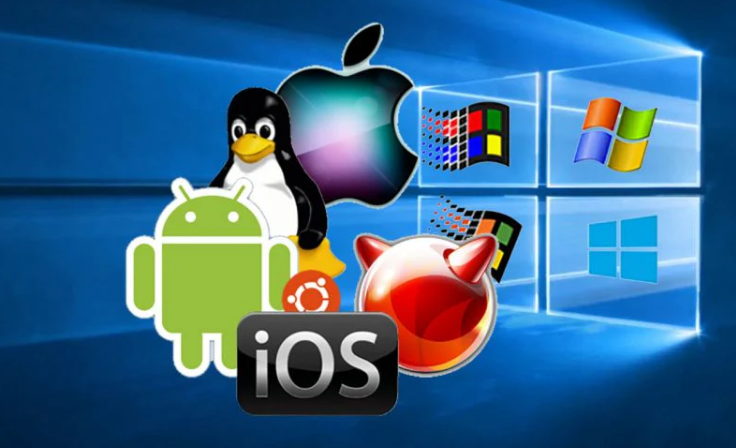
Operating Systems (OS)
Review from Day One:
- Review Zoom 101
- Chromebook Users
- Using the Touchpad on a Chromebook: https://www.youtube.com/watch?v=H_M-p7km9fA
- Saving Files with Chromebook: https://www.youtube.com/watch?v=RHCsaYrBlO0
- Overview of the Keyboard and mouse
- Keyboard
- Mouse
- Adjusting Windows for optimum desktop utilization: Hands-on Project
- Maximize, restore down, minimize
- Moving a window with the mouse
- Taskbar showing all open programs
- Cascade, side by side, and stacked Windows on Taskbar
- Cycling the Programs: Control-Alt-Tab
- Software: Operating Systems
- Purpose
- Types
- Windows
- MAC OS
- Linux (Free)
- Productivity Programs: MS Office
- Word Processing
- Spreadsheets
- Presentations
- Data Base
- Operating System – Windows 10/11
- Demonstrate Desktop features of Windows 10/11
- Start Menu features and utility
- Managing Apps
- Settings
- System Settings
- Update and Security
- Operating Systems
- MAC
- Free software
- Libre Office, Google Docs, Google Sheets, etc.
- File Management and Windows Explorer (File Explorer)
- Video – File Management: https://www.youtube.com/watch?v=k-EID5_2D9U
- Create a text document and save it to the desktop:
- Project: Planning a Dinner
- Creating a text document
- Moving, copying, renaming, saving etc.
- Deleting and restoring
- Documents Folder
- Saving Data
- Using a Flash drive
- Rename flash drive – Demonstrate
- OneDrive – Demonstrate OneDrive
Next: The Computer